Creating a quote from a template
How to use Okeh templates: quotes, option proposals and agreements laid out with your logo and colour. Fill in the form and get a draft.
On this pageCreating the draft
Templates are quotes, proposals and agreements that are already laid out, by trade and by style. They pick up your logo, your colour and your business name on their own, and signing is already switched on. You can also see them all in the template gallery.
Creating the draft
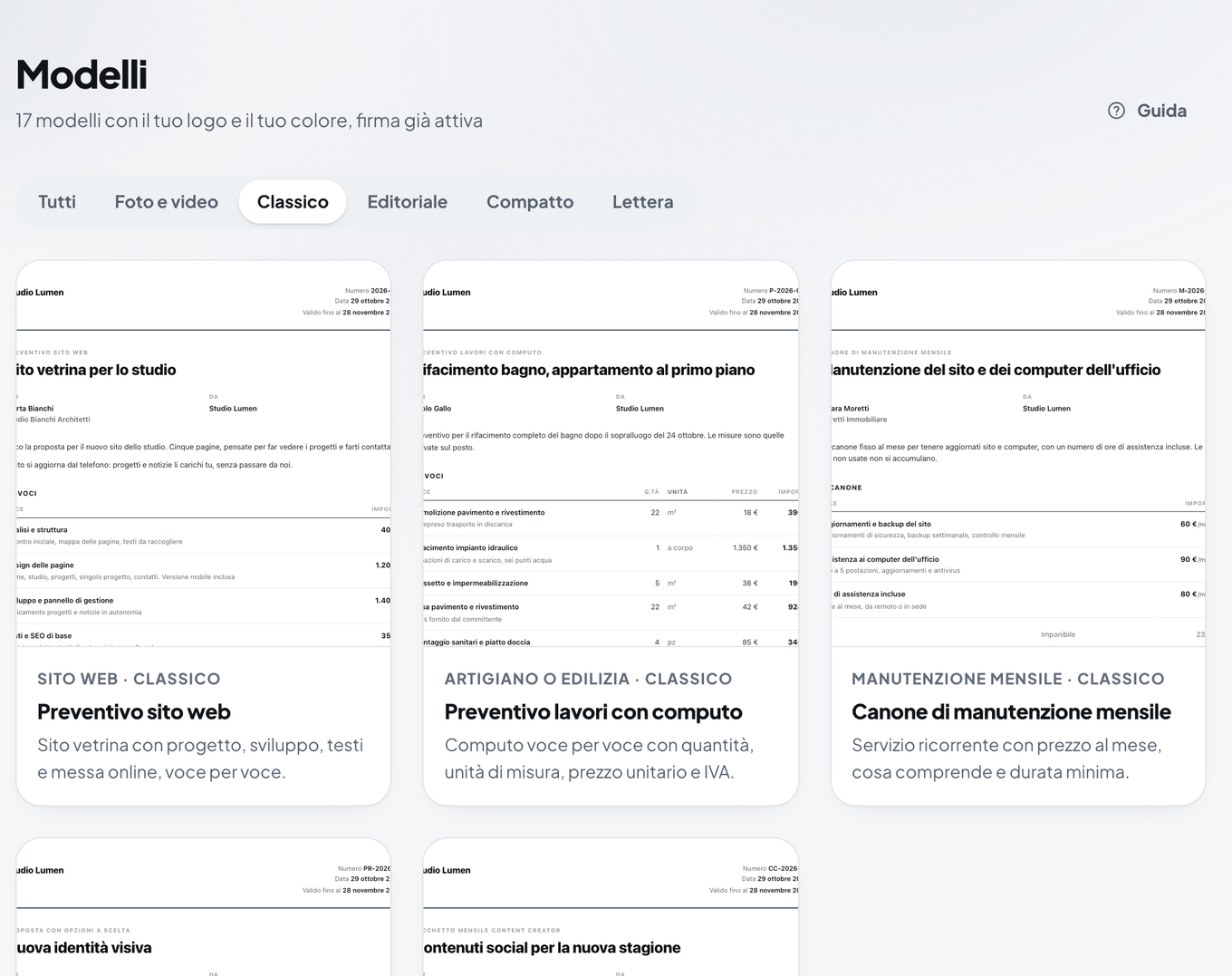
- In the dashboard, open Modelli (Templates). Filter by trade or by style (Classico, Editoriale, Minimal, Scuro: Classic, Editorial, Minimal, Dark; with Base and Pro also Rivista, Studio, Compatto, Lettera), then press the card: the large preview opens, pick the style and press Usa questo modello (Use this template).
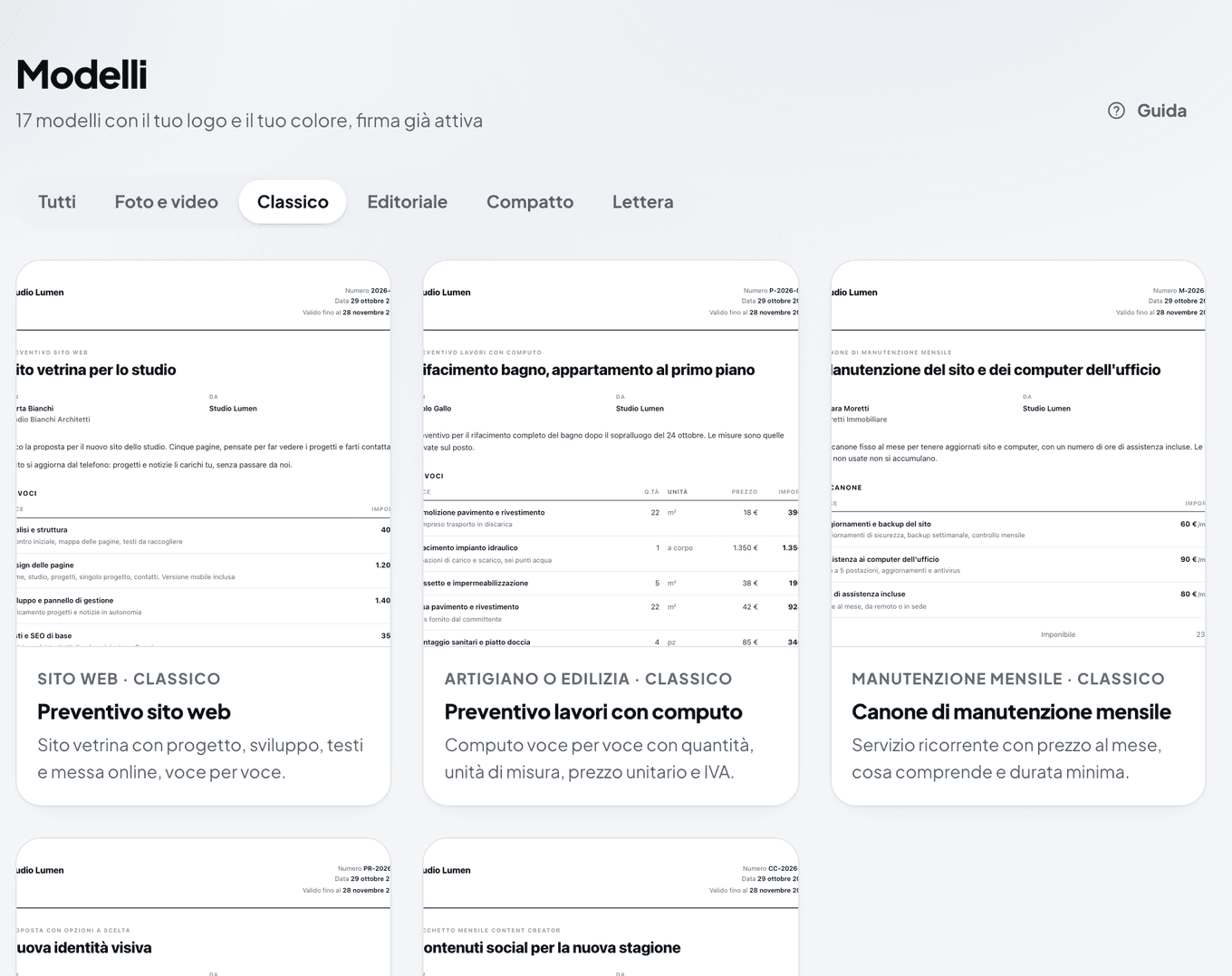
The Modelli (Templates) gallery in the dashboard, with the style filters - Fill in the form. The fields start with an example for you to replace, and the Anteprima (Preview) on the right updates as you type.
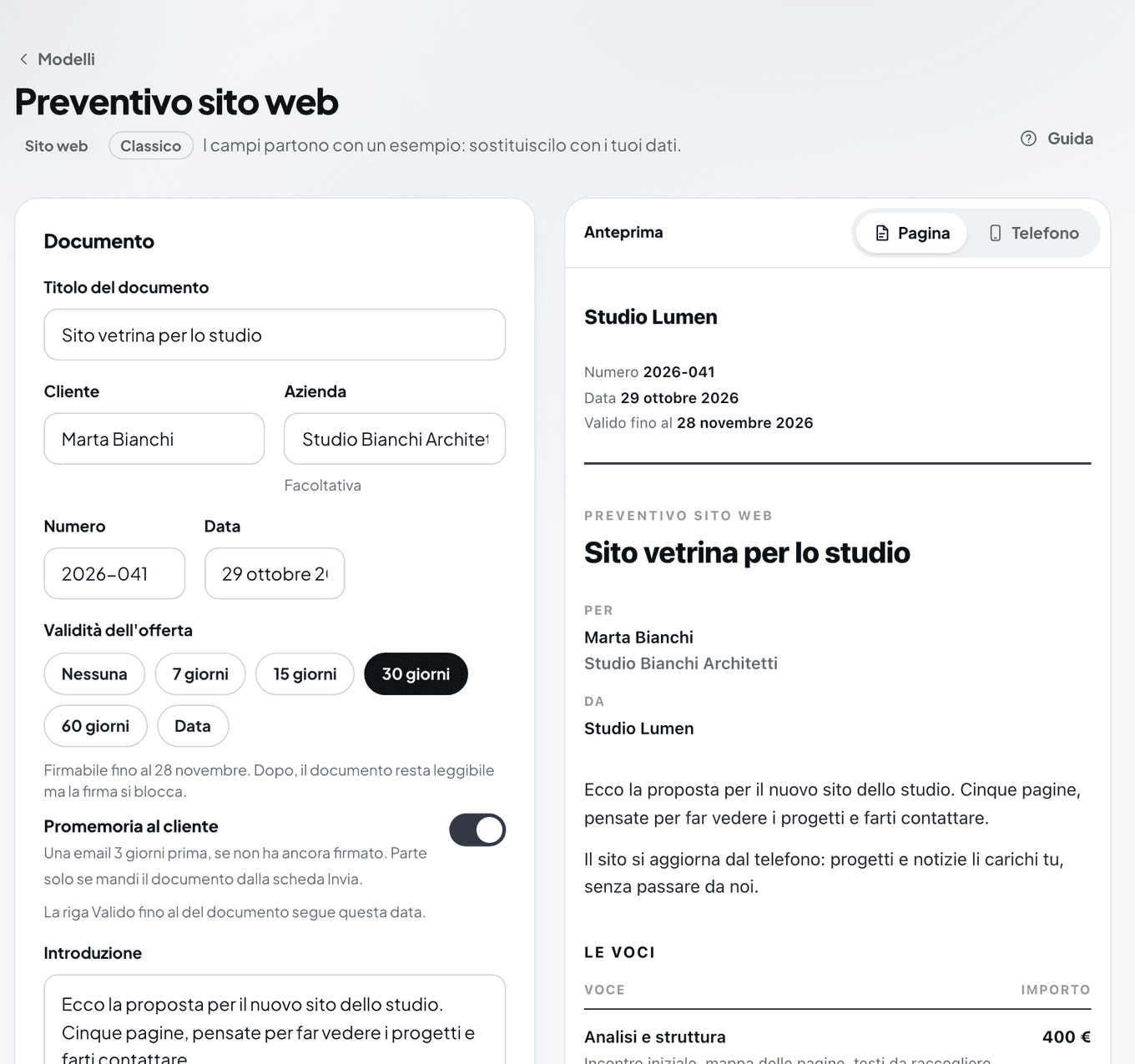
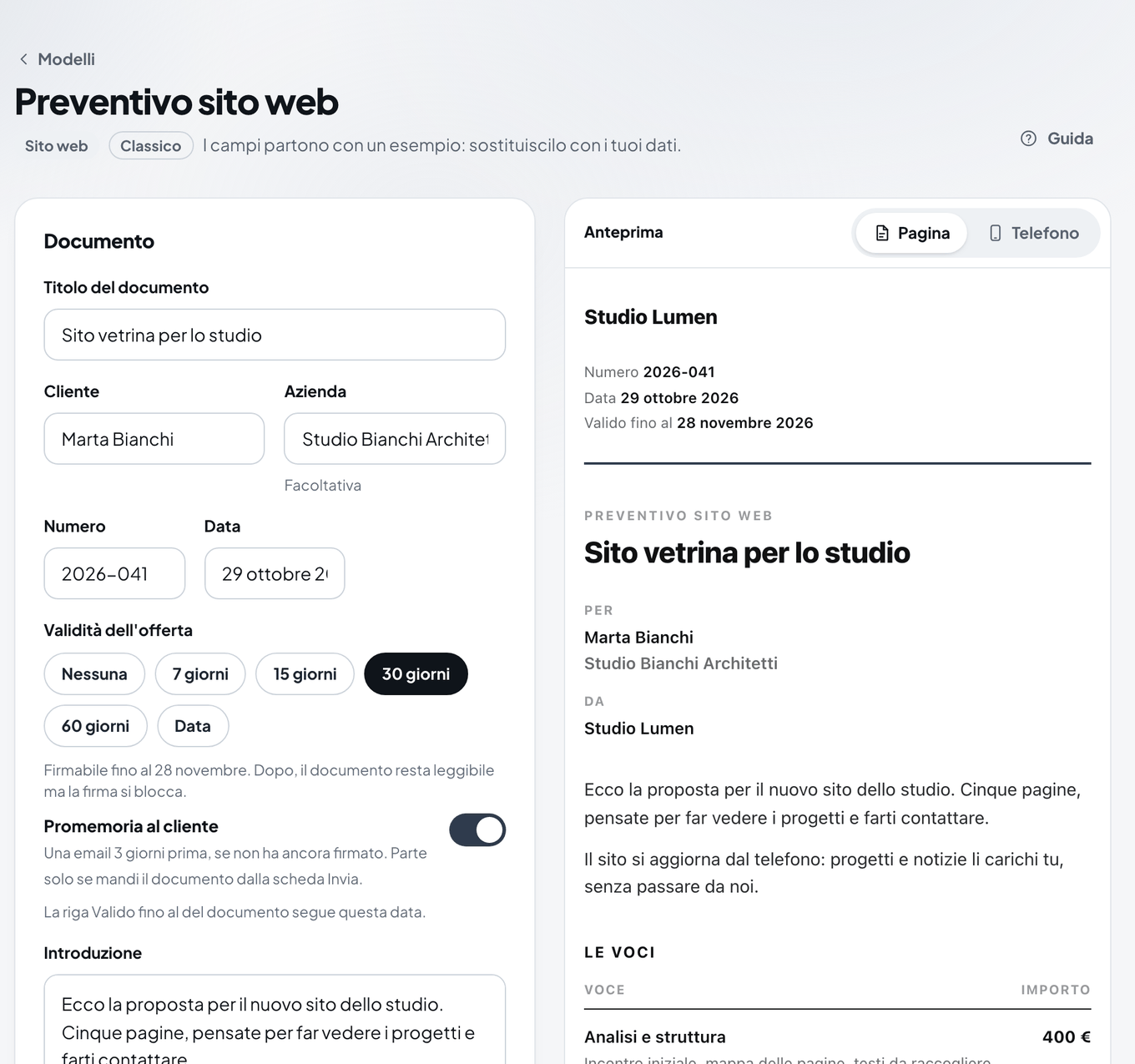
The template form with the quote preview on the right - In Voci (Items), write the lines of the quote. In the options template, write 2 or 3 Opzioni (Options) instead.
- In Prezzi e condizioni (Prices and terms), choose whether to Aggiungi l'IVA (Add VAT) and write the terms, one per line.
- In Validità dell'offerta (Offer validity), choose until when the client can sign. See Offer expiry.
- In Aspetto (Appearance), you can change the style, colour and logo for this document only.
- Press Crea la bozza (Create the draft). The draft isn't published and signing is already switched on.
- Check the draft and press Pubblica (Publish). While it's a draft, the link doesn't open.
The options template
It compares two or three proposals, for example Essential, Complete and Premium. When signing, your client picks one of the options, and the choice appears in the certificate and in the notification you receive. See Choices and the note at signing.
Templates for photographers and videographers
Under the Foto e video filter you find templates for photo shoots, video, weddings and events. They have a Licenza d'uso (Usage licence) for the client to choose when signing, and the Reference (References) and Lavori (Past work) sections to show photos and videos. See References and past work.
Note
Each document created from a template counts as a new document for the month. On Free you can create 3 a month, on Base 20, on Pro there's no limit.