Changing your address and links
How to change your Okeh account address (yourname.okeh.app) and the link of a single document, without breaking the links you've already sent.
On this pageYour account address
You can change both your address, that is yourname.okeh.app, and the link of a single document. Old links lead to the new ones by themselves, so whatever you've already sent keeps working.
Your account address
- Open Impostazioni (Settings), Indirizzo (Address) tab.
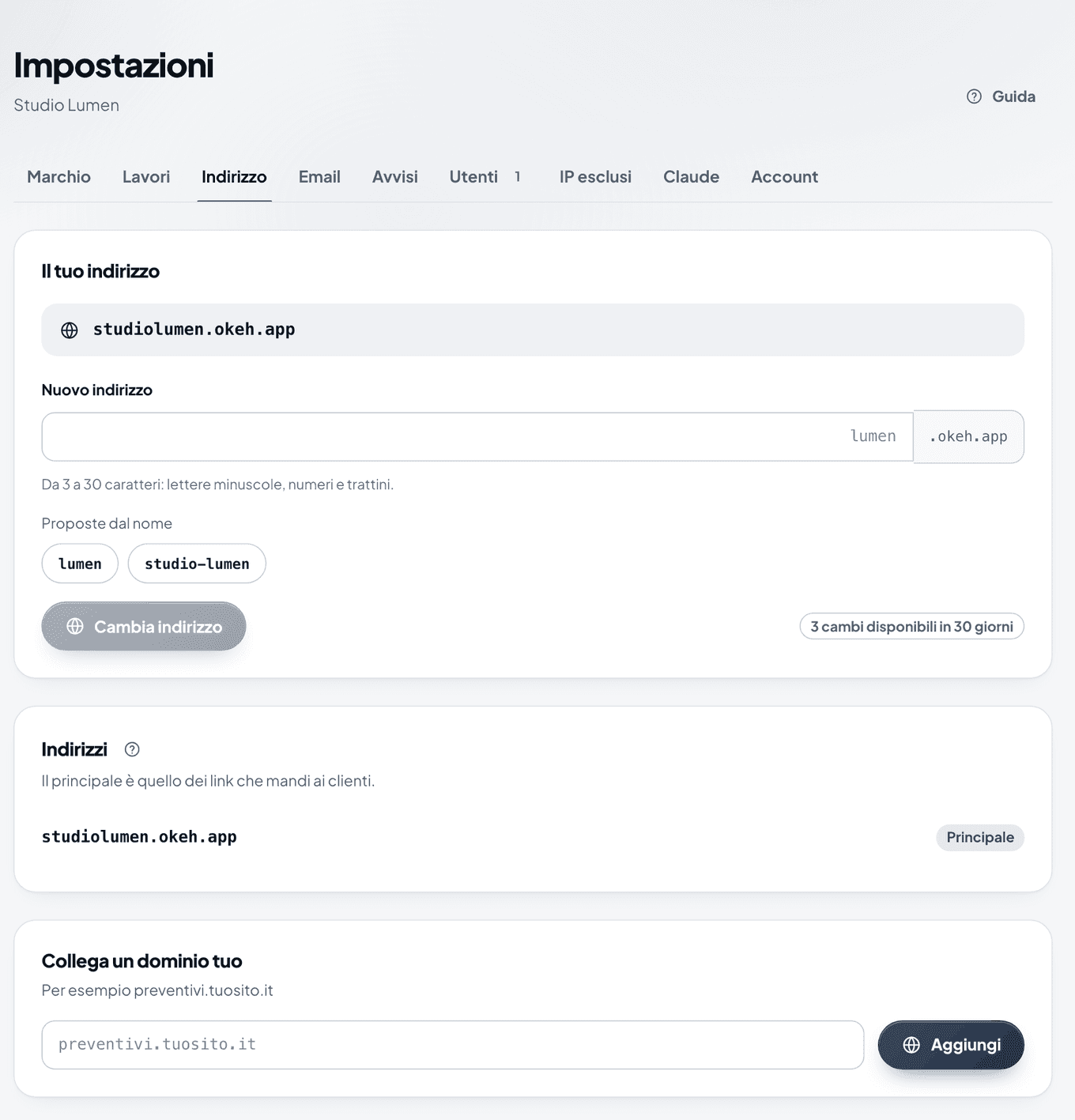
The Indirizzo (Address) tab with the Il tuo indirizzo (Your address) box and suggestions based on your name - In Nuovo indirizzo (New address), write the name you want, or choose one of the Proposte dal nome (Suggestions from your name). From 3 to 30 characters: lowercase letters, numbers and hyphens.
- Press Cambia indirizzo (Change address).
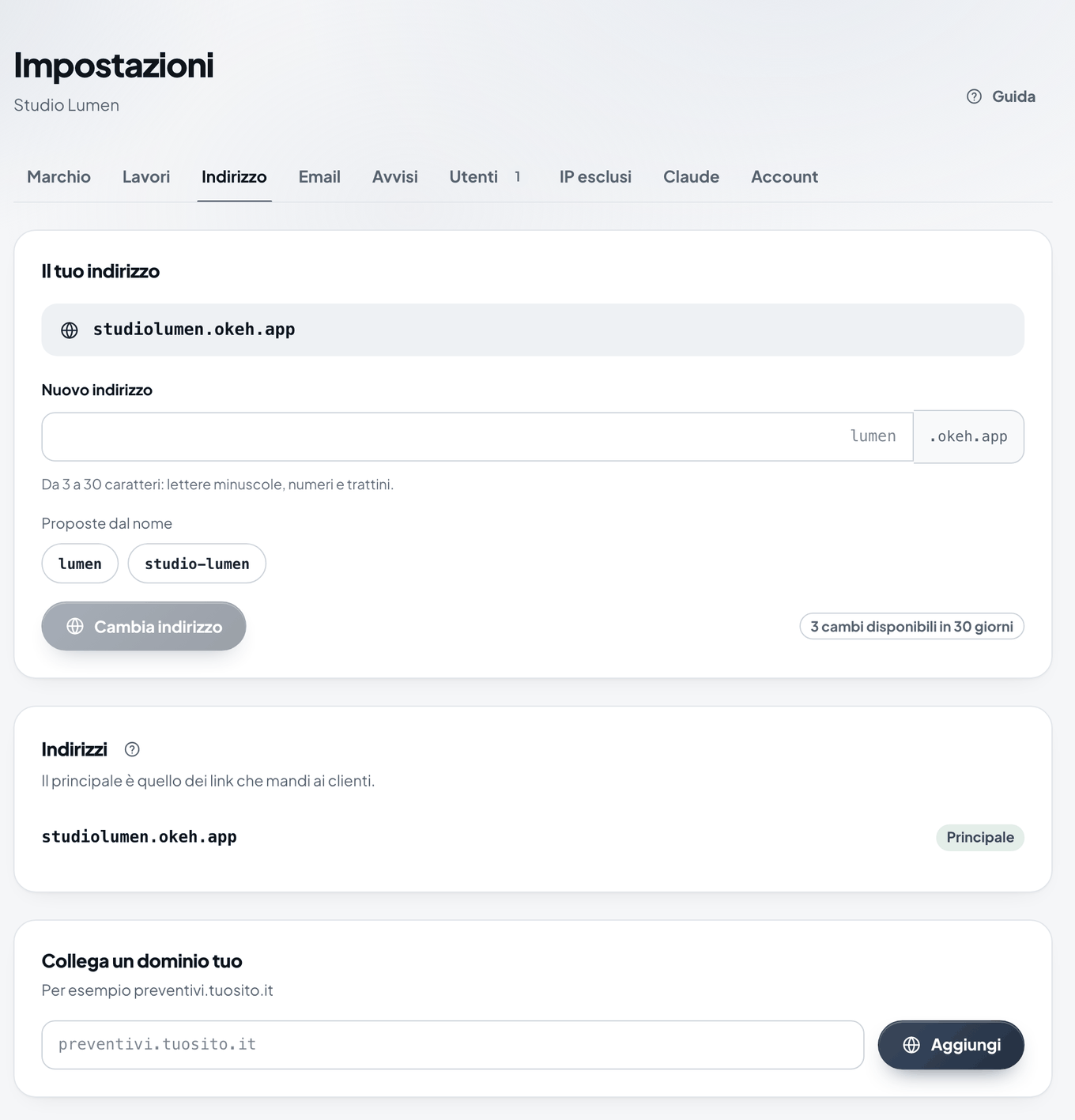
- You can change it up to 3 times every 30 days. The counter next to the button tells you how many changes you have left.
- The old address stays yours and appears in Indirizzi precedenti (Previous addresses) with the Inoltro (Redirect) label: anyone who opens it reaches the new one.
- Use the new address to log in to the dashboard. For a minute, the old one may still respond as before.
A document's link
- Open the document, Modifica (Edit) tab, Link box.
- In Indirizzo del link (Link address), change the readable part, for example from
preventivo-sitotosito-studio-bianchi. - Press Cambia link (Change link).
The 6-character code at the end stays: it makes the link hard to guess. The old link leads to the new one.
Note
The link of a signed document can't be changed.
With Pro you can also use your own domain, for example preventivi.yoursite.it: see Using your own domain.
Was this helpful?