Deleting your account
How to delete your Okeh account: what happens to your documents and the links you've sent, the 30 days to change your mind, what remains.
On this pageHow to do it
If you only want to stop paying, you don't need to delete your account: with Passa al Gratis (Move to Free) in Abbonamento (Subscription) you stay on Free and your documents stay online. Delete your account if you want to erase everything.
How to do it
- If you have an active Base or Pro plan, first press Passa al Gratis in Abbonamento.
- Open Impostazioni (Settings), Account tab, Elimina account (Delete account) box.
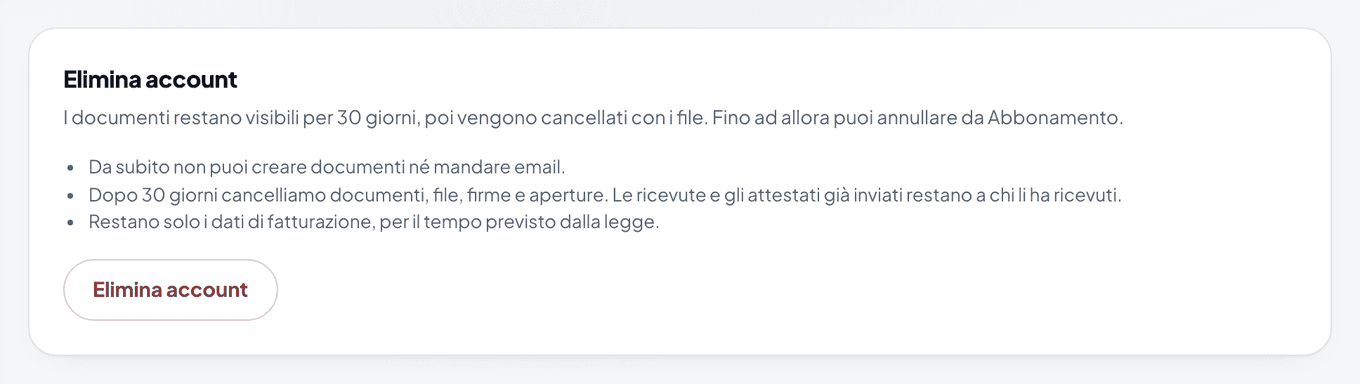
The Elimina account (Delete account) box in the Account tab of the settings - Press Elimina account and confirm.
What happens
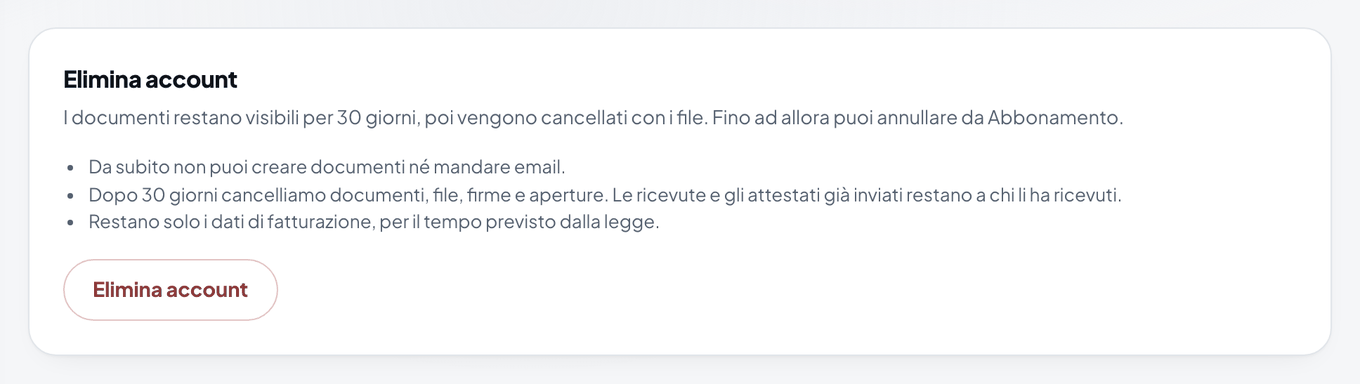
- From that moment you can't create documents or send emails.
- Links you've already sent stay open for 30 days, with signing closed.
- After 30 days, documents, files, signatures and opens are deleted.
- Billing details remain, because the law requires them to be kept. Signatures already made remain in the receipts and certificates that were sent by email.
If you change your mind
Within 30 days, open Abbonamento and press Annulla la cancellazione (Cancel the deletion): you go back to Free and find everything as it was.
Warning
After 30 days the deletion can't be undone. If you need them, download the certificates of your signed documents first.
Was this helpful?